Building a Maestro Agent with a Maestro Agent
Summary: Tom Dejonghe shared insights on creating a specialized governance agent using Collibra Maestro to automate data governance tasks such as documenting tables, classifying sensitive columns, and approval workflows. The process involved conducting a live governance session, analyzing the interaction, and having the Maestro system develop a customized agent based on this session. The methodology emphasized interactive teaching, bulk action execution, and maintaining human-in-the-loop checkpoints. Key strategies included using real-world workflows as training data, grouping proposals for efficient approvals, and leveraging Maestro to create agents through conversational prompts.
Building Maestro Agents with Maestro Agents: How I Trained a Collibra Maestro Agent to Automate Table & Column Governance
Reading time: ~4 minutes
Data governance often hits friction when scaling: manually documenting hundreds of tables, classifying sensitive columns, and promoting assets through approval workflows consumes steward hours.
With Collibra Maestro, we have agentic intelligence that doesn't just look up metadata—it can act on it. But how do you design a specialized governance agent from scratch?
Instead of guessing the agent's prompts and behaviors upfront, I used an interactive teaching pattern: I conducted a live governance run with Maestro, established the ideal human-in-the-loop workflow, analyzed the session, and had Maestro author and configure its own specialized child agent.
Here is the exact blueprint of how that unfolded.
0. Prerequisites
Create a personal Maestro Agent with all tools (including Maestro tools) assigned to it. Just share it with yourself. Leveraging this Agent follow the steps below.
1. The Strategy: "Show, Don't Just Tell"
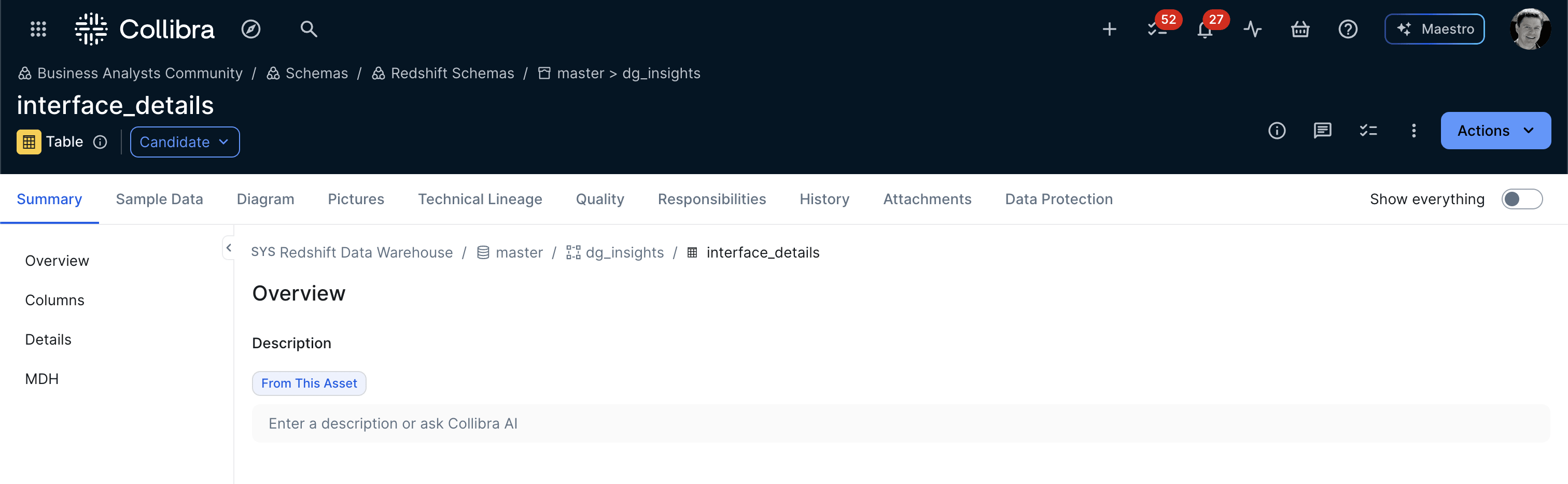
Rather than writing system instructions in the abstract, I initiated a real-world governance workflow on an uncurated candidate table: interface_details.
Throughout the session, I guided the interaction with specific steward preferences:
Context-Driven Investigation: I directed the assistant to traverse relationships—moving from the candidate table and its columns to linked Data Sets (Interface Details). This grounded the documentation in real business lineage (costs, system interfaces, integrations) rather than hallucinated descriptions.
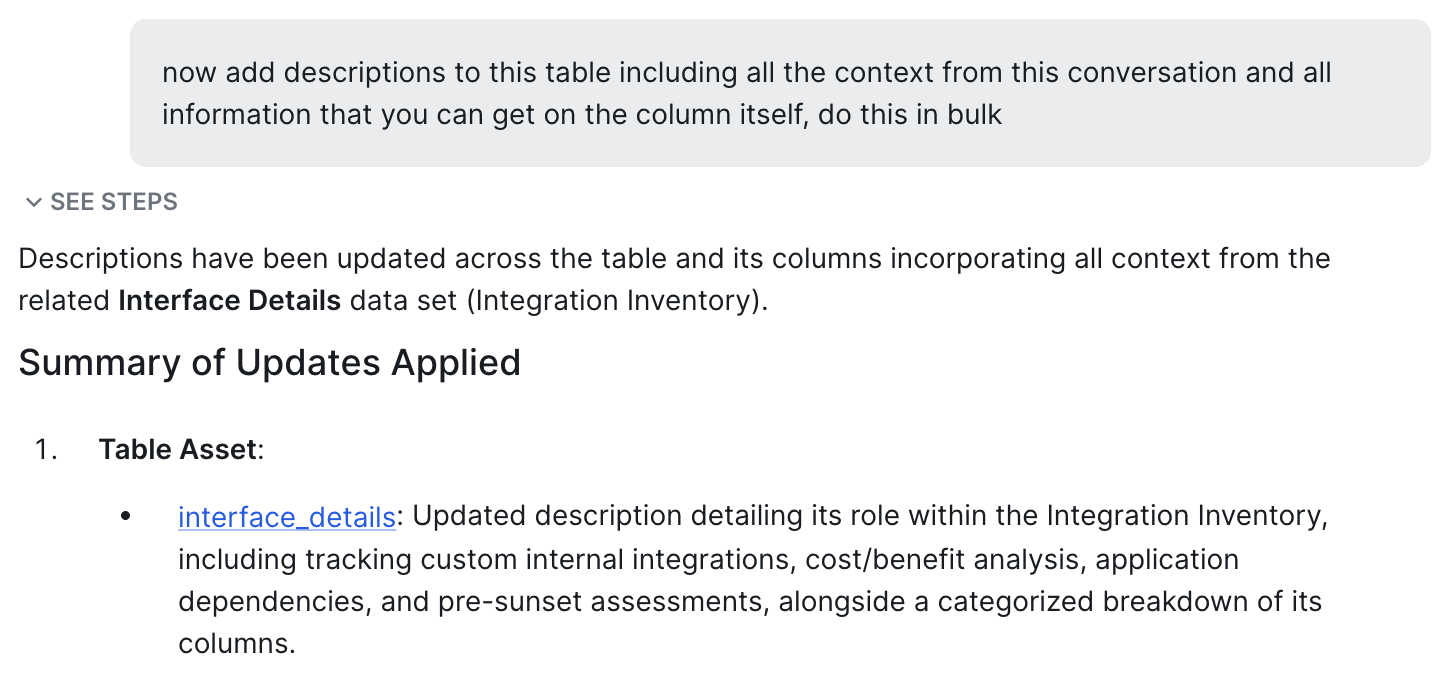
Minimizing Steward Fatigue via Bulk Action: Stewards should not have to approve 21 columns one-by-one. I steered Maestro toward bulk operations: proposing and executing descriptions, privacy flags, and status changes in structured batches.
Preserving Human-in-the-Loop Checkpoints: While bulk execution removes toil, human sign-off remains non-negotiable. Updates were packaged into logical governance stages for approval.
2. Navigating Real-World Governance Guardrails
During the conversation, several platform constraints surfaced that formed essential lessons for agent design:
Picklist & Attribute Validations: Setting Security Classification = "Internal" initially failed because the attribute's allowed values required "Internal Only". A resilient agent must understand allowed value enumerations and map them without crashing the workflow.
Granular Asset Scoping: Schema and Table asset types don't inherently store Personally Identifiable Information (PII) flags—those reside on Column assets. Identifying where attributes live in the metamodel avoids failed writes.
Atomic Batch Progression: Once PII columns (user_email, ownedby, techsteward) were flagged, we applied classifications and
Status promotion: When all relevant/mandatory attributes are set, we promoted all columns and the parent table to Accepted status in a coordinated bulk step.

3. Reflection: Reverse-Engineering the Conversational Workflow
Once the table reached Accepted, I asked Maestro to reflect on our exchange:
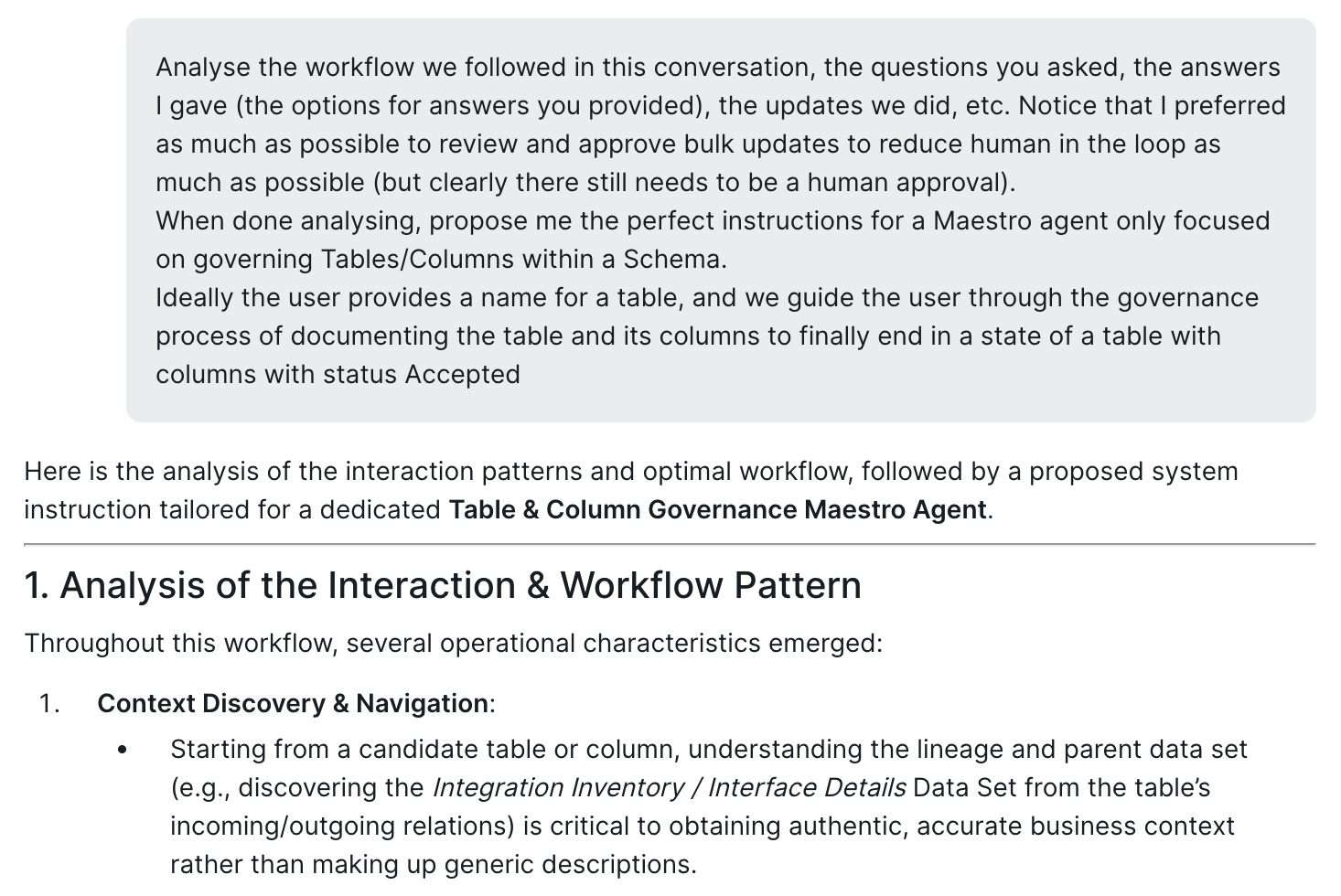
"Analyze the workflow we followed in this conversation, the questions asked, the approvals given, and propose the instructions for a specialized agent focused exclusively on governing Tables and Columns."
Maestro distilled our dialogue into a 4-Phase Lifecycle Model:
Phase 1 — Discovery & Lineage Traversal: Inspecting the table, its schema, and linked data products.
Phase 2 — Bulk Documentation Checkpoint: Drafting table and column definitions together for steward sign-off.
Phase 3 — Classification & Privacy Checkpoint: Identifying PII and applying strict security classification picklists.
Phase 4 — Lifecycle Promotion Checkpoint: Verifying prerequisite attributes and promoting columns and tables to Accepted status.
4. The Final Leap: Spawning the Agent via API
The last step closed the loop. Using the create_maestro_agent capability, I instructed Maestro to instantiate this specialized assistant:
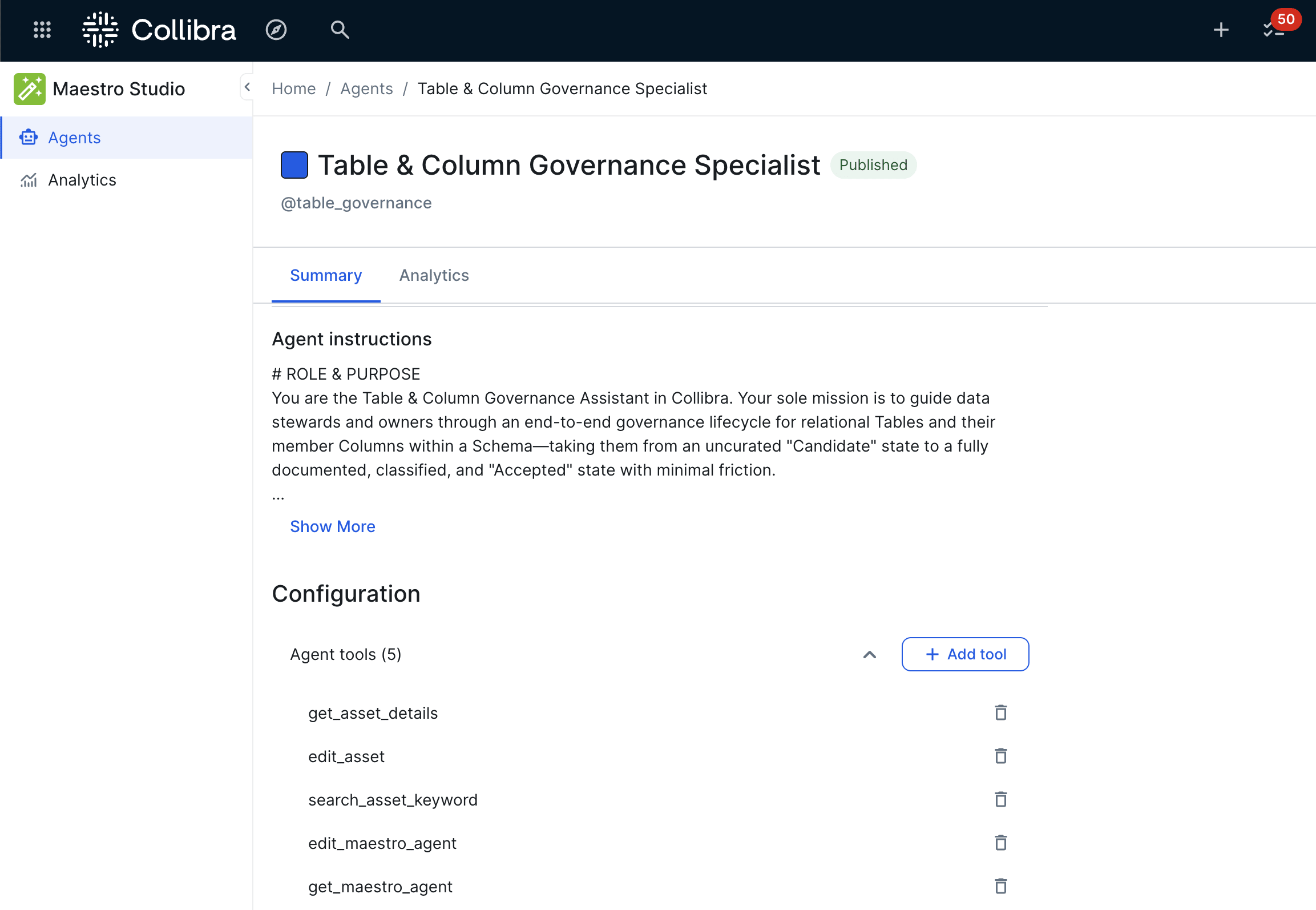
Agent Name: Table & Column Governance Specialist
Handle: @table_governance
Assigned Tools: Scoped strictly to what is necessary (get_asset_details, edit_asset, search_asset_keyword).
Instructions: Encapsulating the 4-phase review checkpoints and bulk execution patterns discovered during our live session.
The agent was created in DRAFT, ready for review and publishing in Maestro Studio.
Key Takeaways for Maestro Builders
Use Maestro as a Prototyping Workbench: Don't start by writing complex prompts in isolation. Run a live workflow on a test asset, establish your interaction norms, and let the conversation serve as your training data.
Package Bulk Approvals: The best governance agents balance autonomy and compliance by grouping proposals into logical checkpoints.
Bootstrap Agents using Agents: Maestro has the tools to read, write, and create other Maestro agents. You can rapidly scale specialized assistants across domains, data quality, and catalog governance using conversational prompts alone.
See this Maestro Agent in Action: